memori ✂️
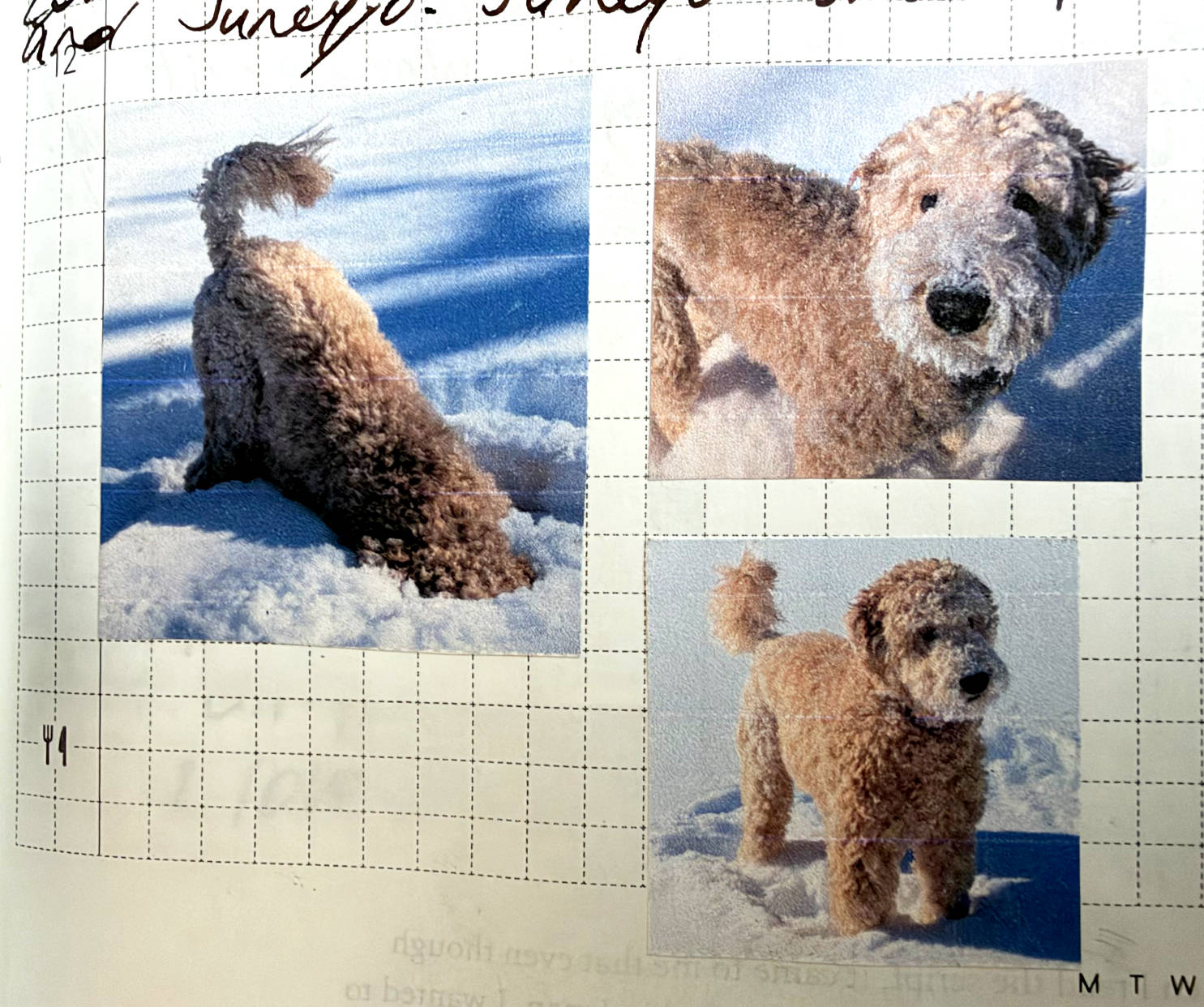
A free photo-printing tool that perfectly sizes images to fit the Hobonichi Techo's grid paper.
usage
Different Techo types use differently-sized grid paper. Use the links below to select the appropriate grid size for your Techo:
| Techo | Link |
|---|---|
| Planner A6 | Use 4mm grid ↗ (default) |
| Original Cousin HON A6 HON A5 Original Avec Cousin Avec 5-Year Techo A6 5-Year Techo A5 Day-Free A6 Day-Free A5 |
Use 3.7mm grid ↗ |
| Weeks Weeks Mega |
Use 3.55mm grid ↗ |
| Other planners | Add a "grid-size" parameter to the url like so: https:// This value can be anywhere between 2mm and 10mm. |
controls
-
after opening memori in your web browser, drag one or more image files from your computer onto the grid (or press
⌘ + vto paste image data from your clipboard)
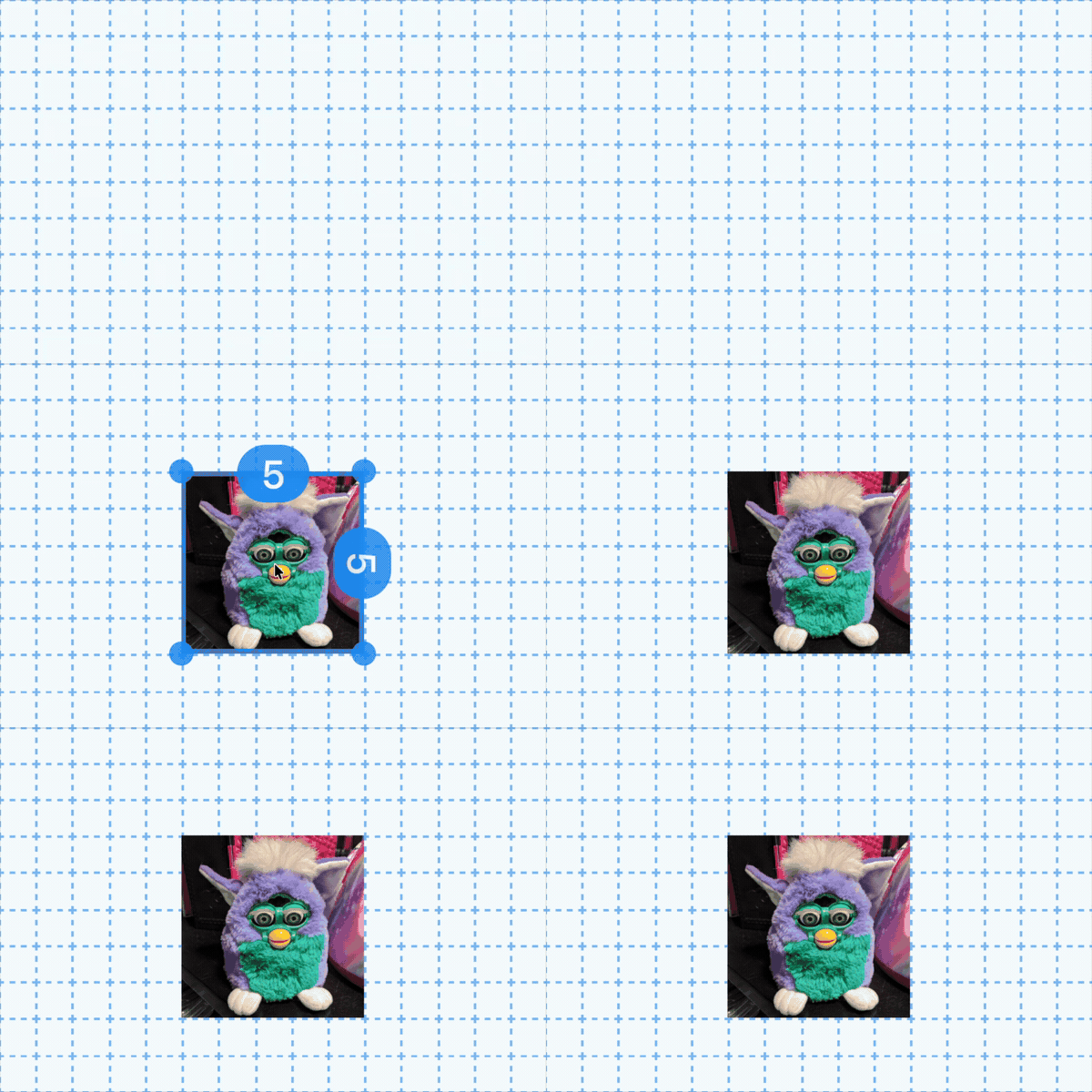
-
click and drag images to move them
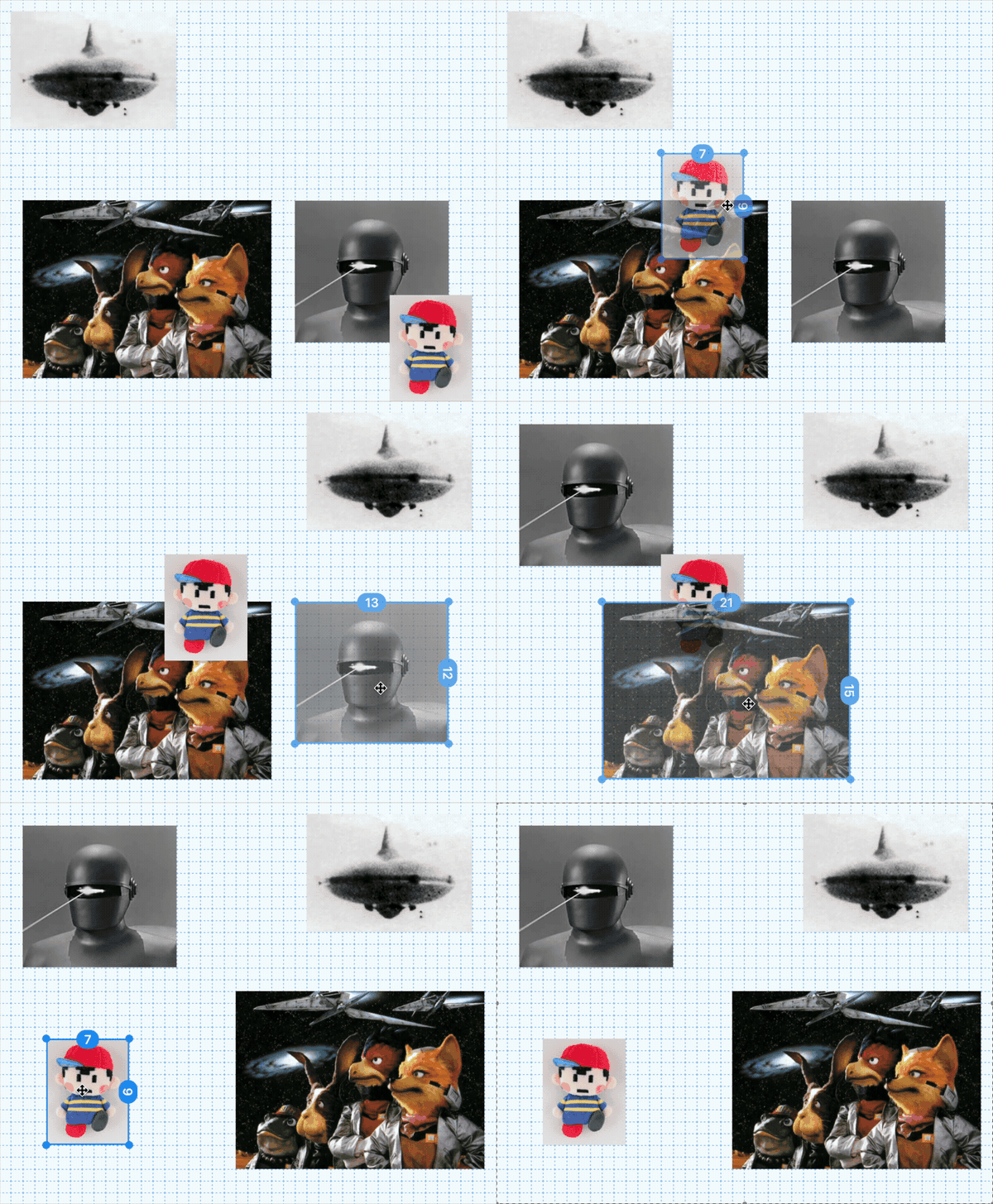
-
resize images using the edge/corner resize handles
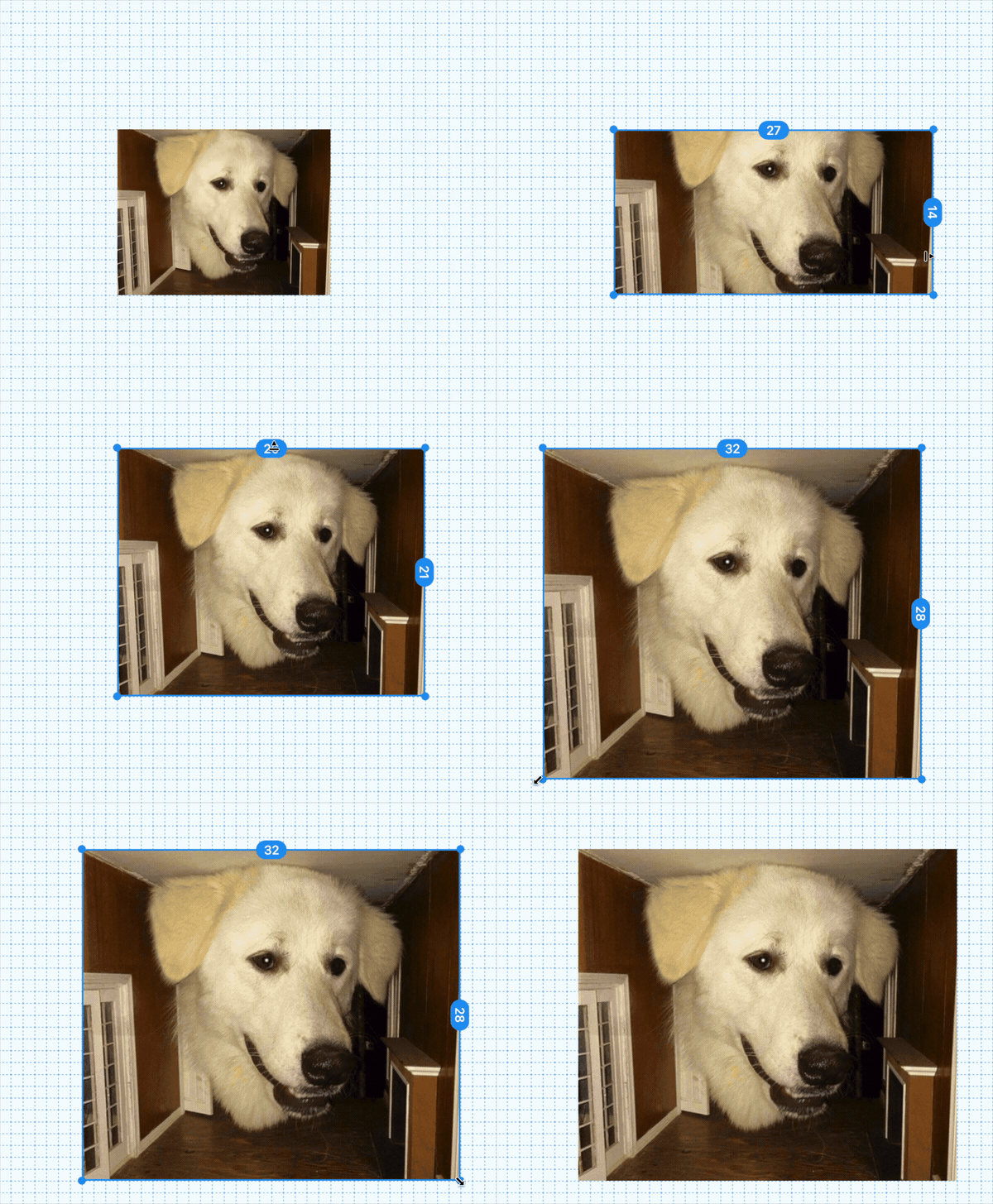
-
hover an image and pinch with two fingers to scale (on supported trackpads)
- or, when using a mouse, scale with
ctrl + scrollwheel
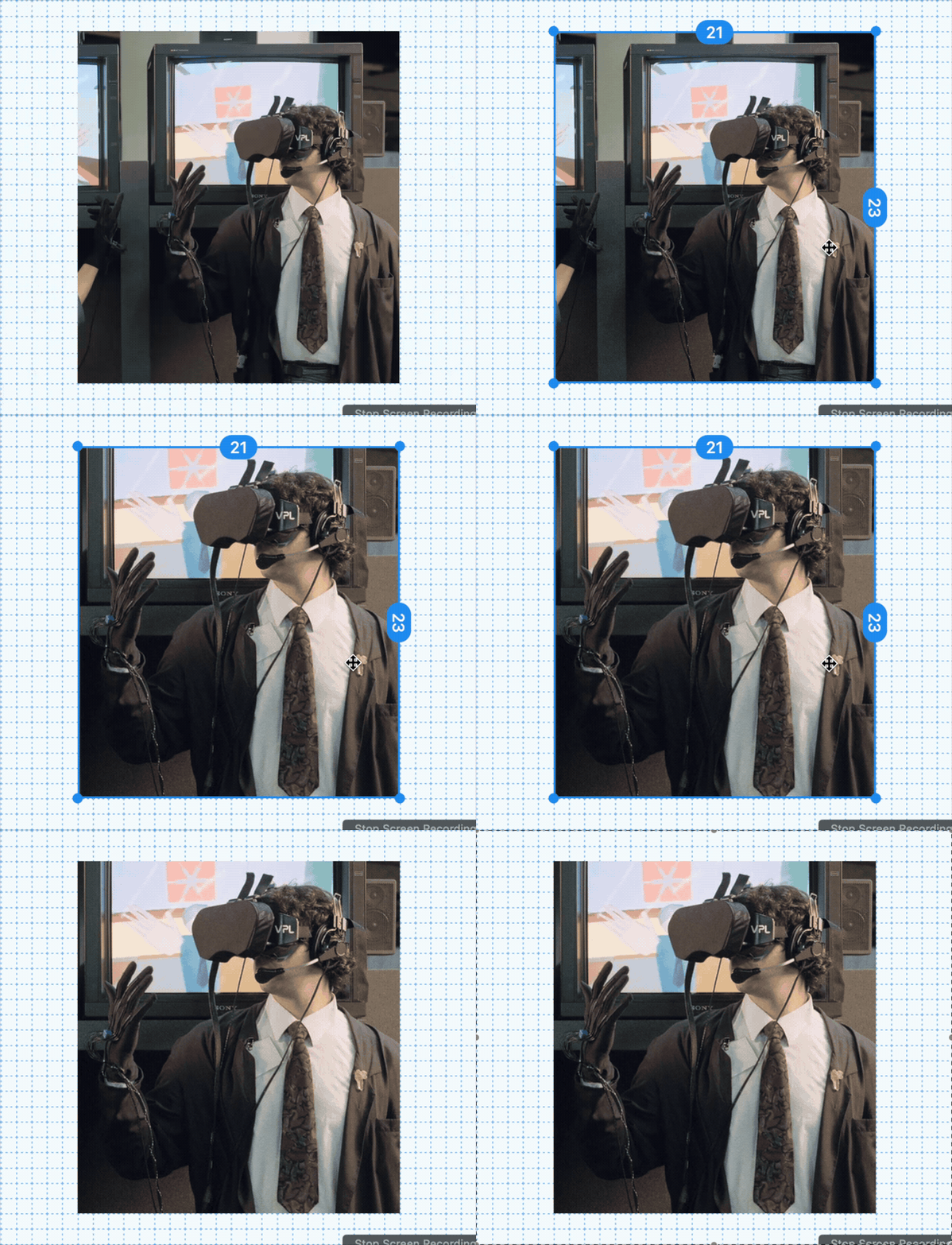
- or, when using a mouse, scale with
-
hover an image and drag with two fingers to pan (set the "crop" - the part of the image that's visible)
- or, when using a mouse, hover an image and use the
scrollwheelto pan vertically, or useshift + scrollwheelto pan horizontally
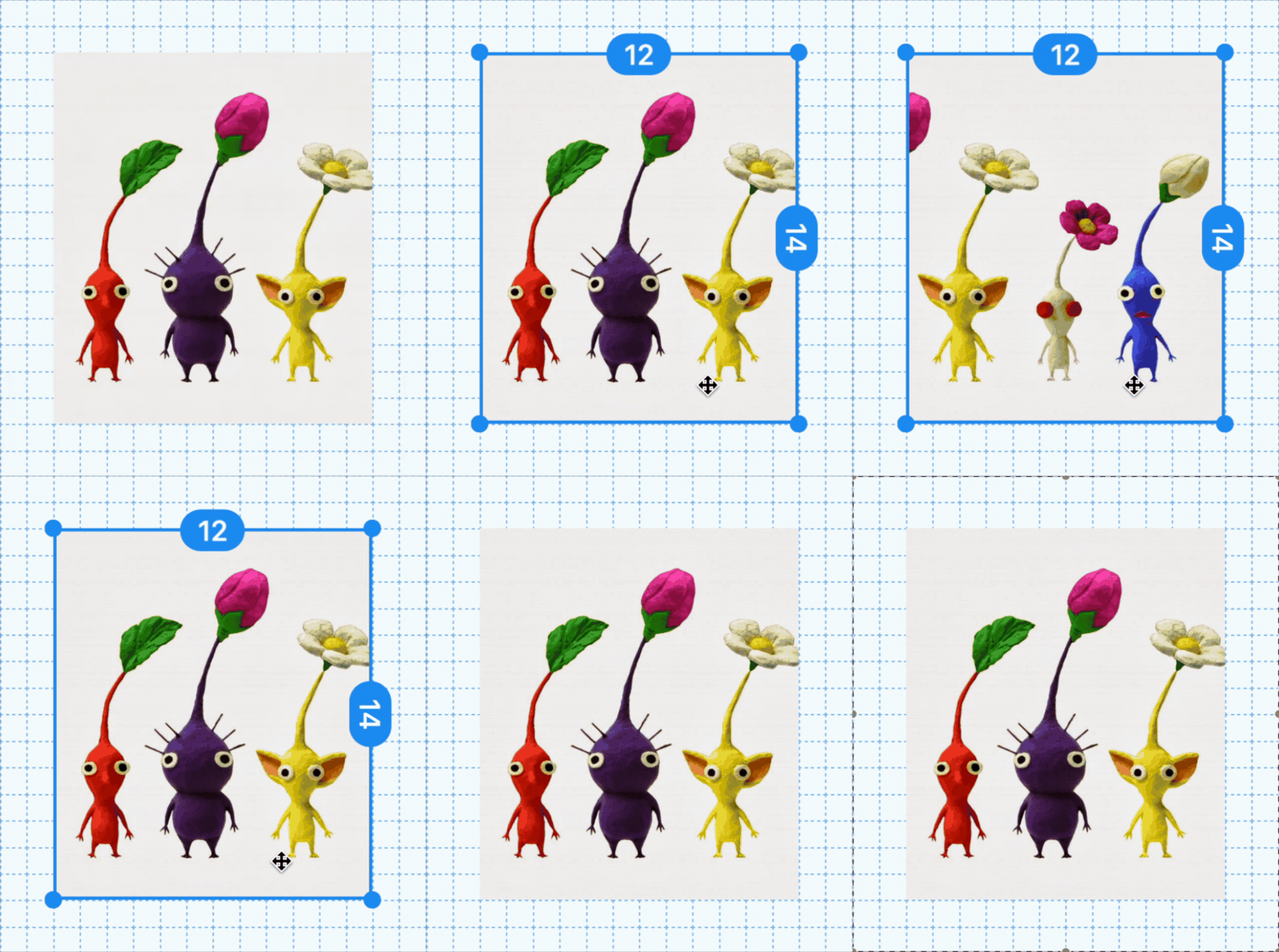
- or, when using a mouse, hover an image and use the
-
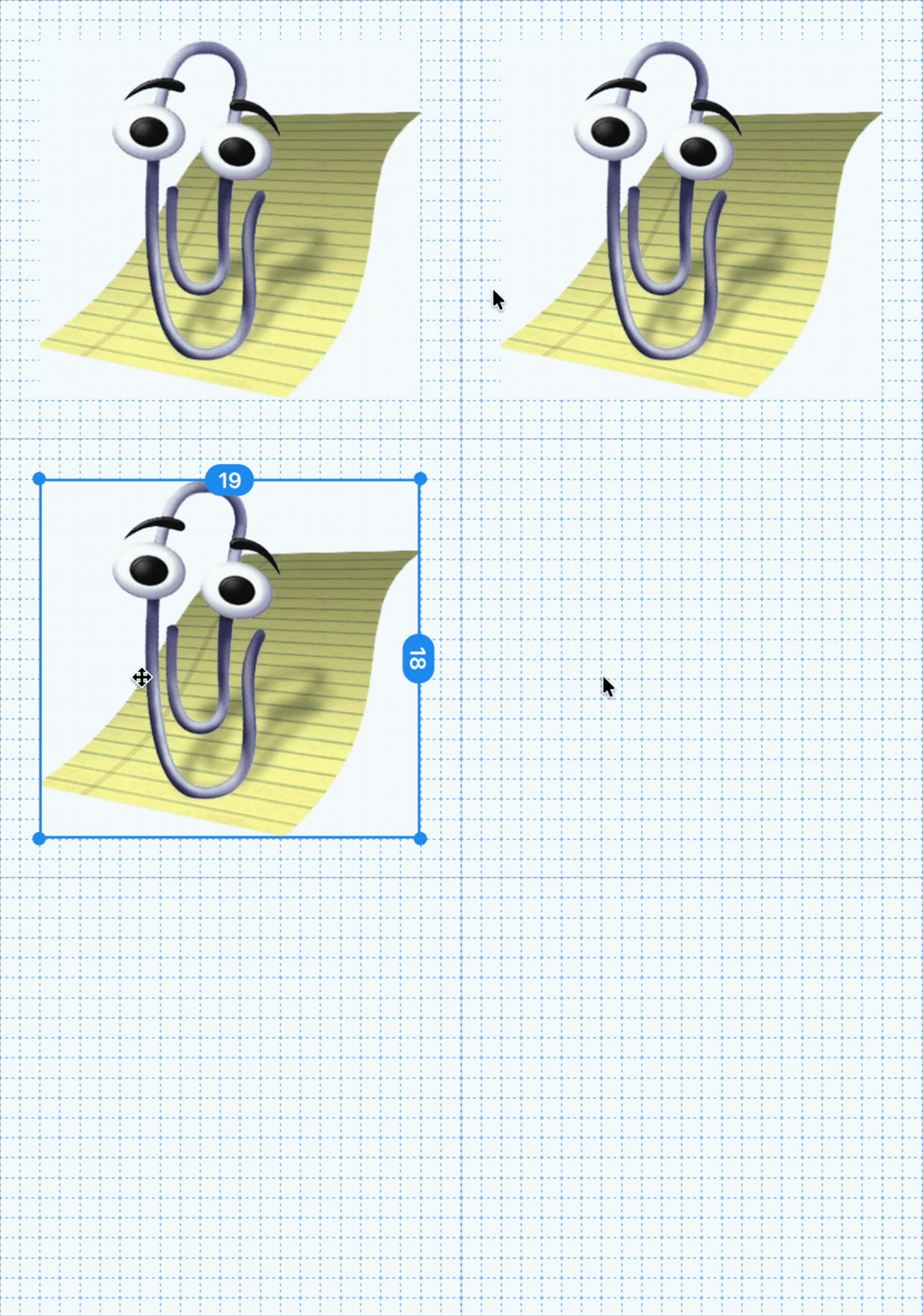
⌘ + clickan image to duplicate it
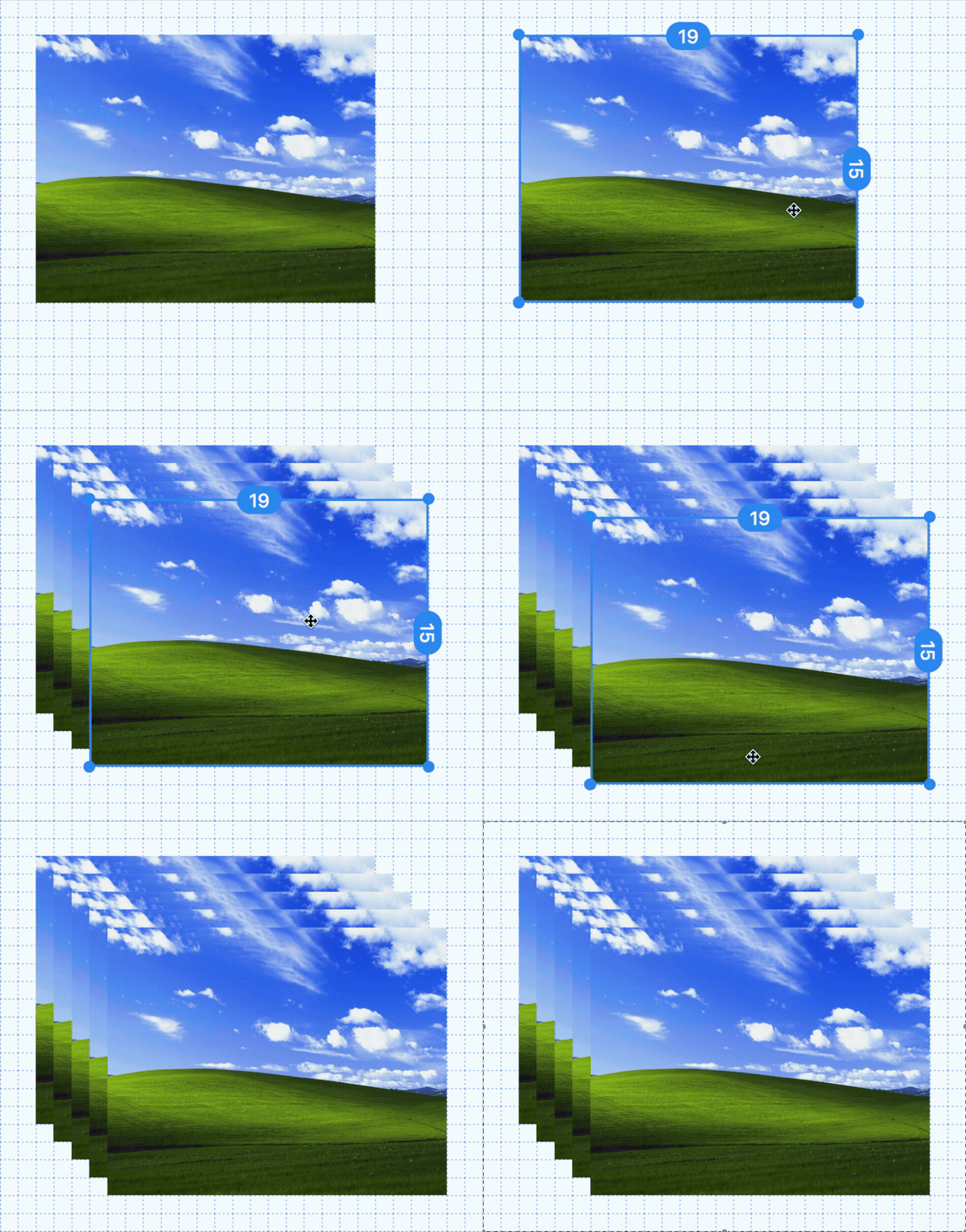
-
option + clickan image to rotate it
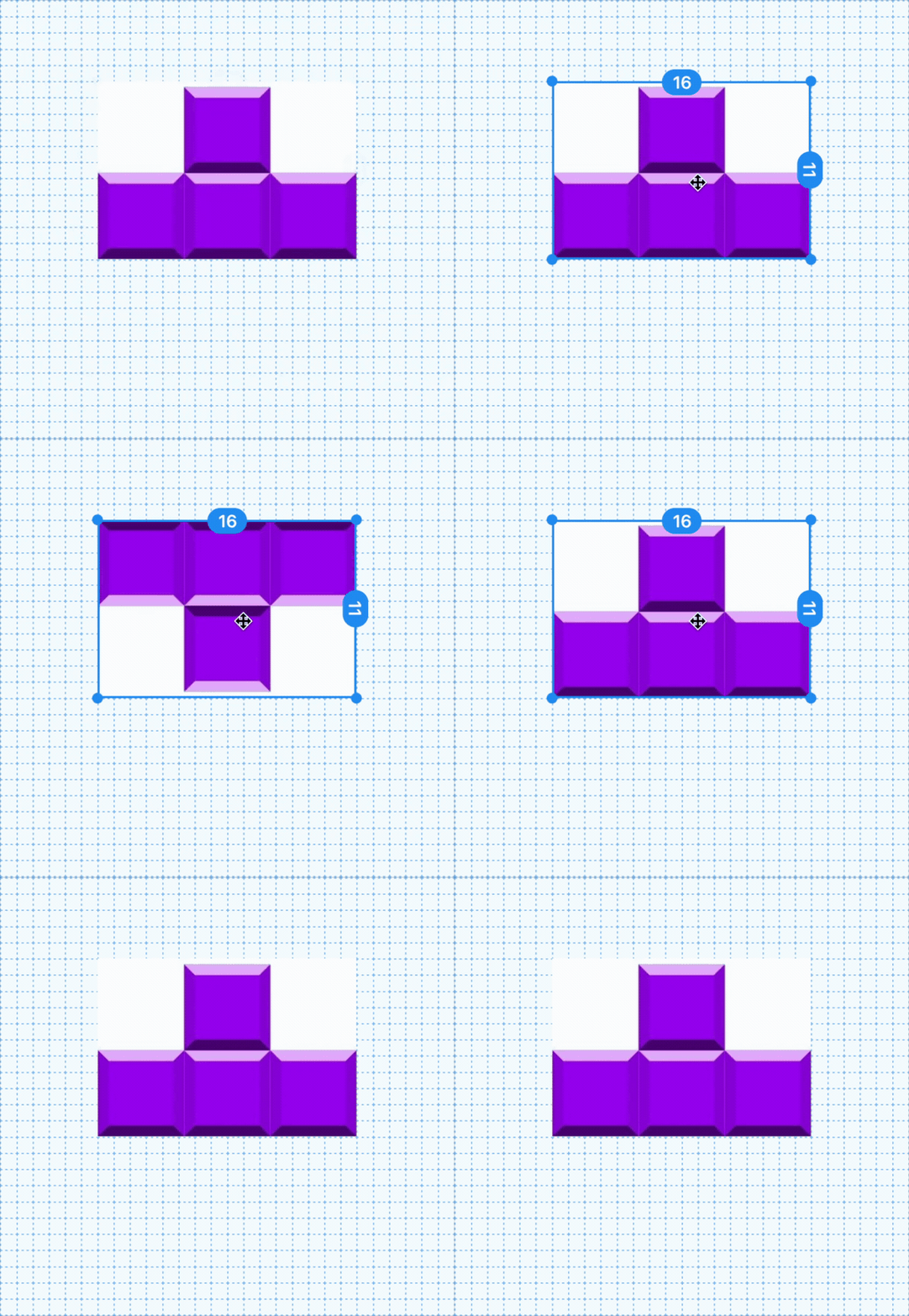
-
shift + clickan image to delete it
-
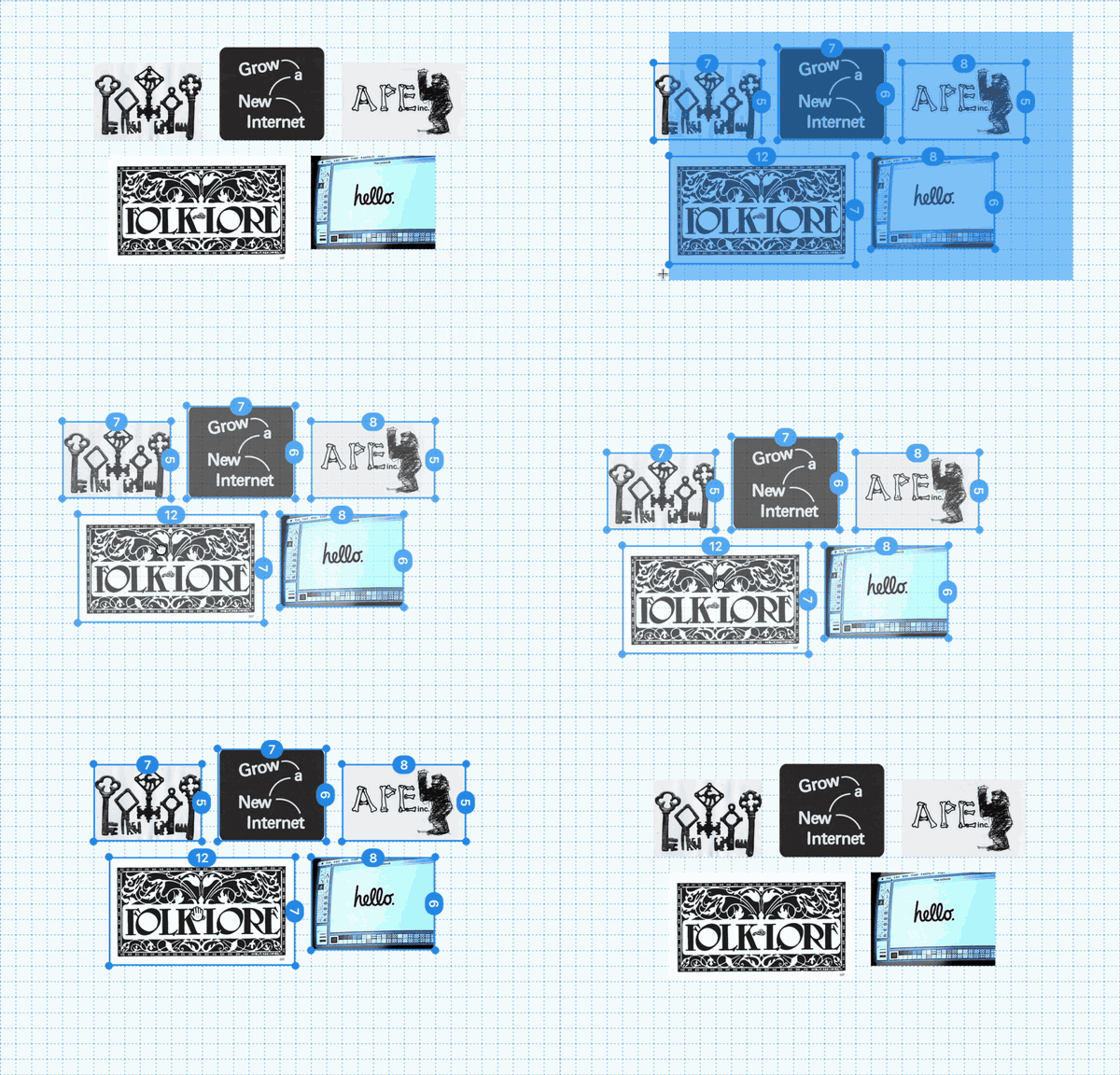
click an empty part of the grid and drag to select multiple images at once, then move, duplicate, rotate, or delete them as a group
-
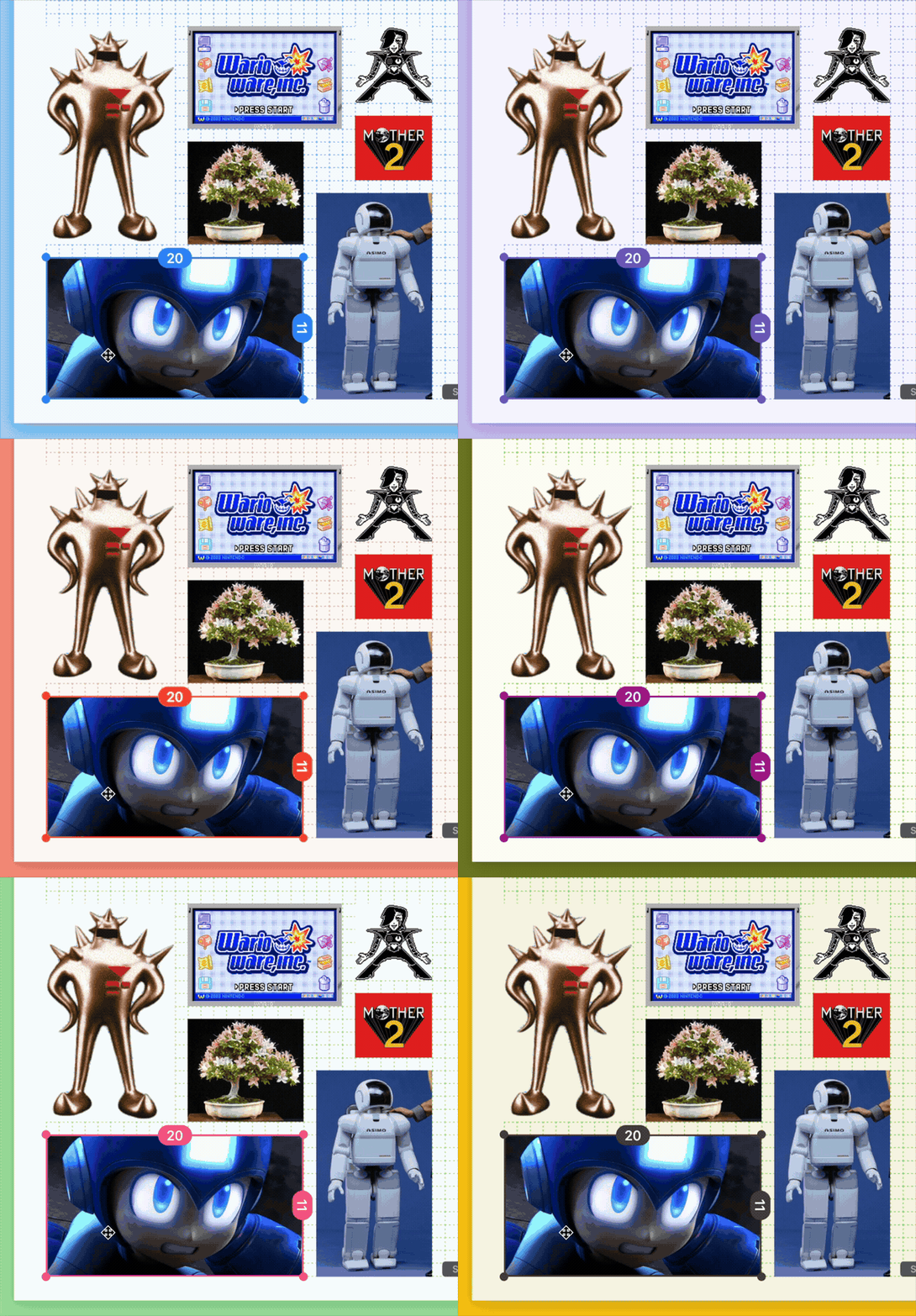
press
F2to select from one of seven user interface themes (you may also have to holdFn)
Once you've filled out the page, press ⌘ + P to print using your system's default print dialog (in Safari, this will open a formatted PDF in a new tab).
You can also press ⌘ + E to export your work as a PDF, to print later or somewhere else.
Tip
When printing...
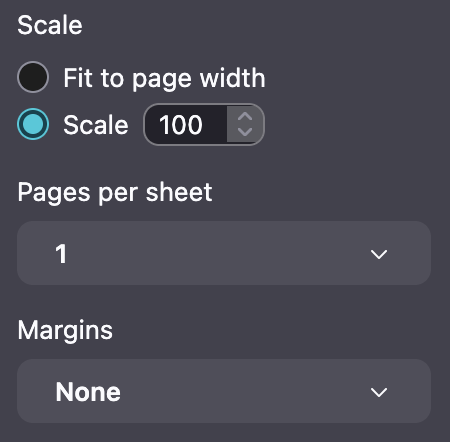
- select "Scale: 100%" rather than "Fit to page width"
- set Margins to None or 0
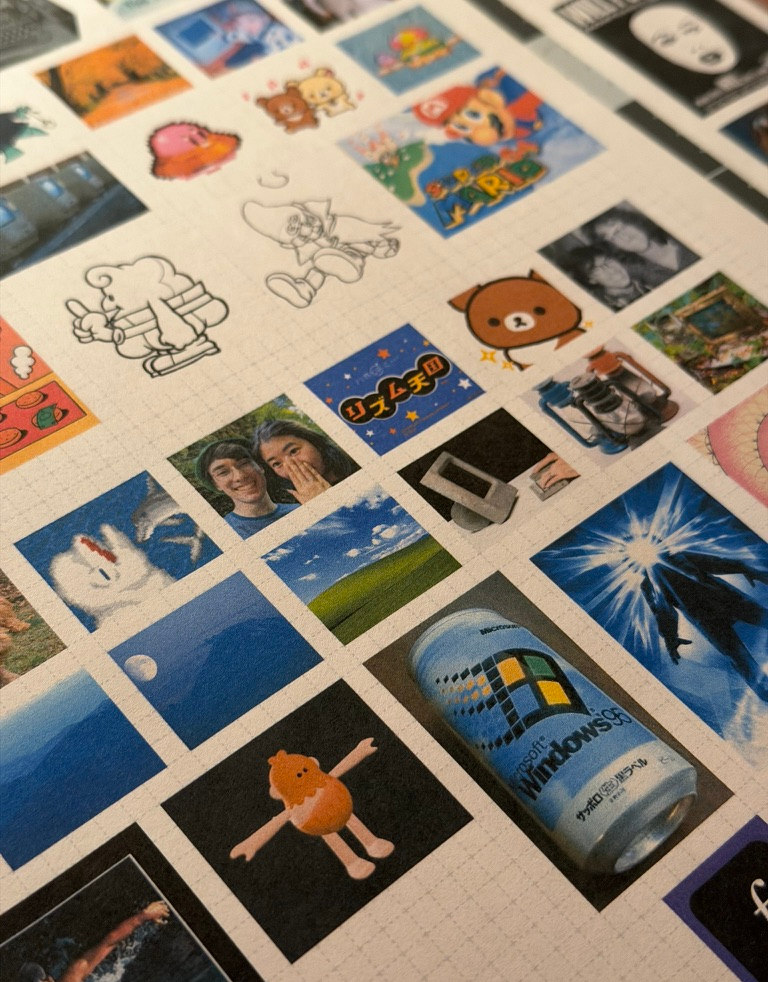
Use scissors (or a hobby knife) to cut your images to size:
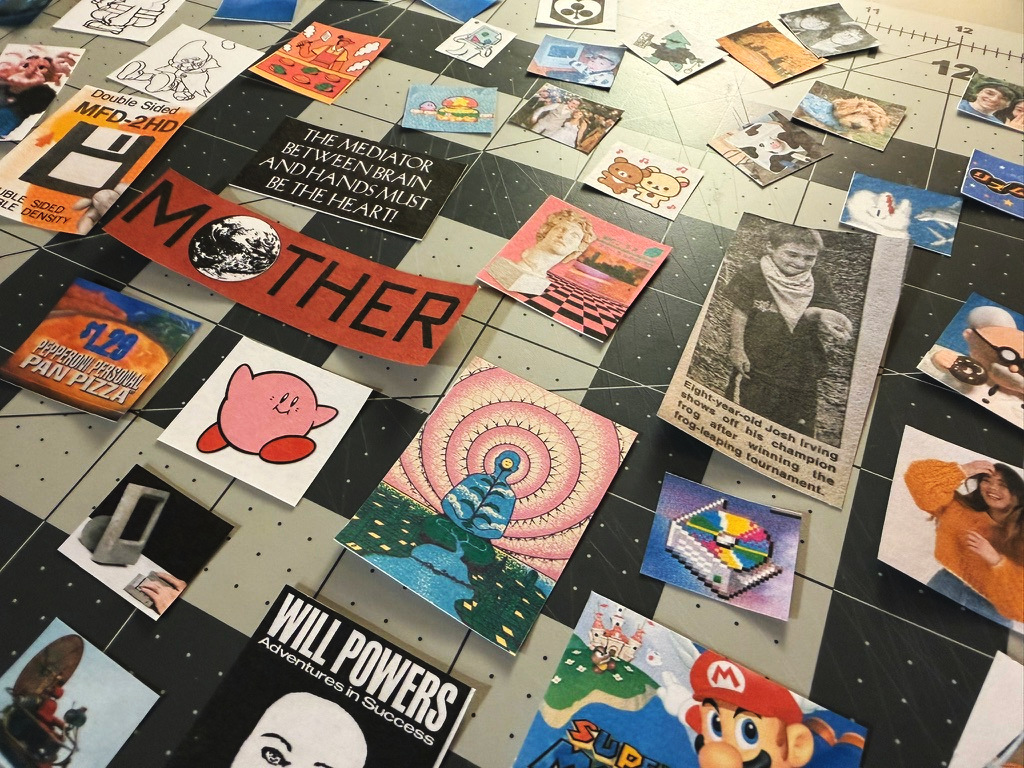
Then stick 'em down with a gluestick (or try printing with sticker paper):
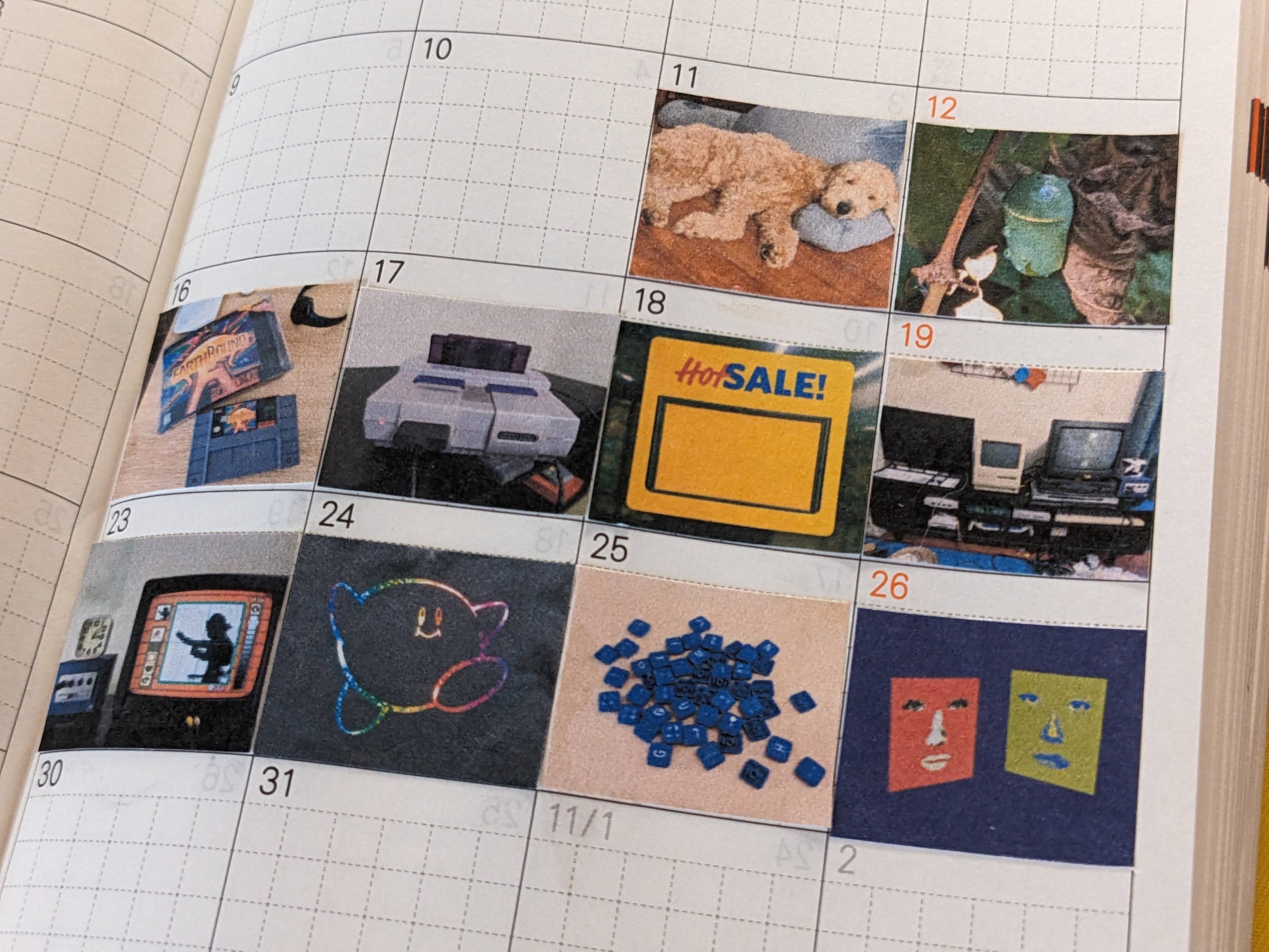
What will you remember?
license
notice
this project is not affiliated with, endorsed by, or sponsored by Hobonichi Co., Ltd. or any of its subsidiaries. Hobonichi, Hobonichi Techo, and related trademarks are the property of their respective owners. memori is an independent, unofficial tool created for personal use.